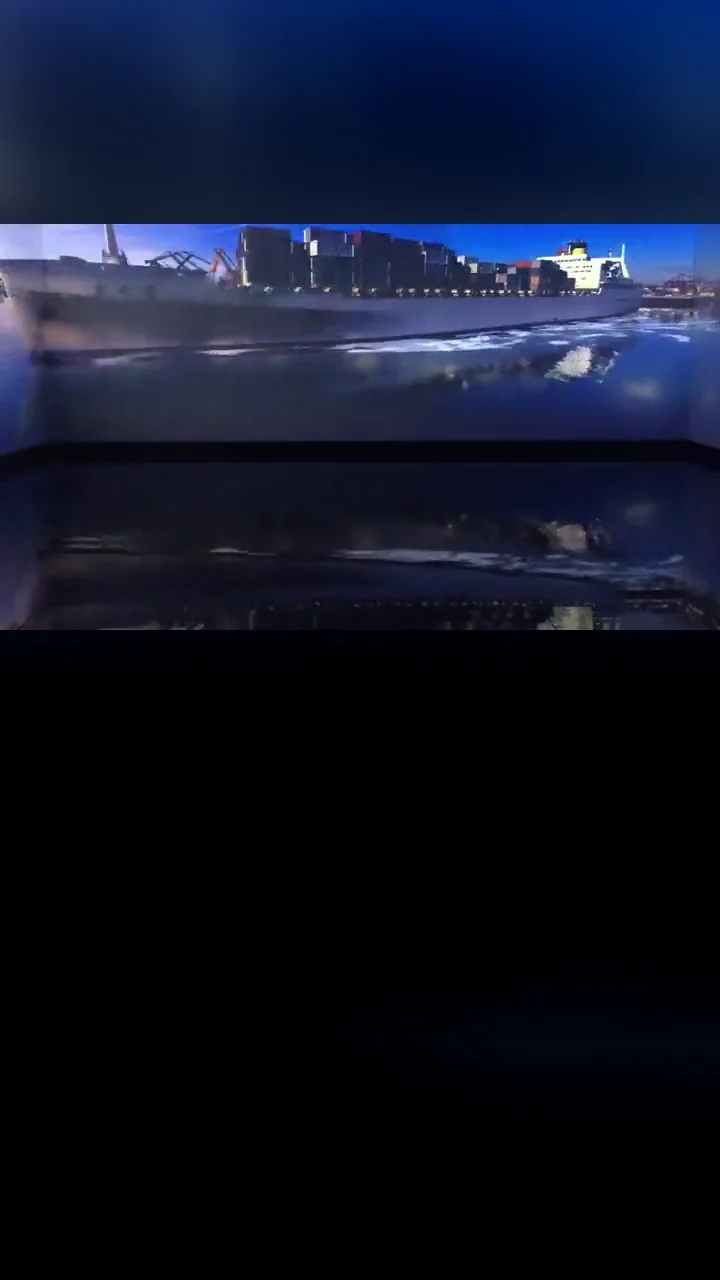
01 3D PLANNING
Plan before you install
Build the space at real scale with screens, projectors, LED surfaces and reference models. Check throw ratio, placement, coverage and occlusion before committing to an installation.
PRISMWEAVE STUDIO / PROJECTION MAPPING & EDGE BLENDING
Shape immersive spaces with projection. Plan, preview and refine in your browser — from the first idea to the final installation.
No signup to explore · Best in a desktop browser
5 project types · On-site footage
01 / CAPABILITIES
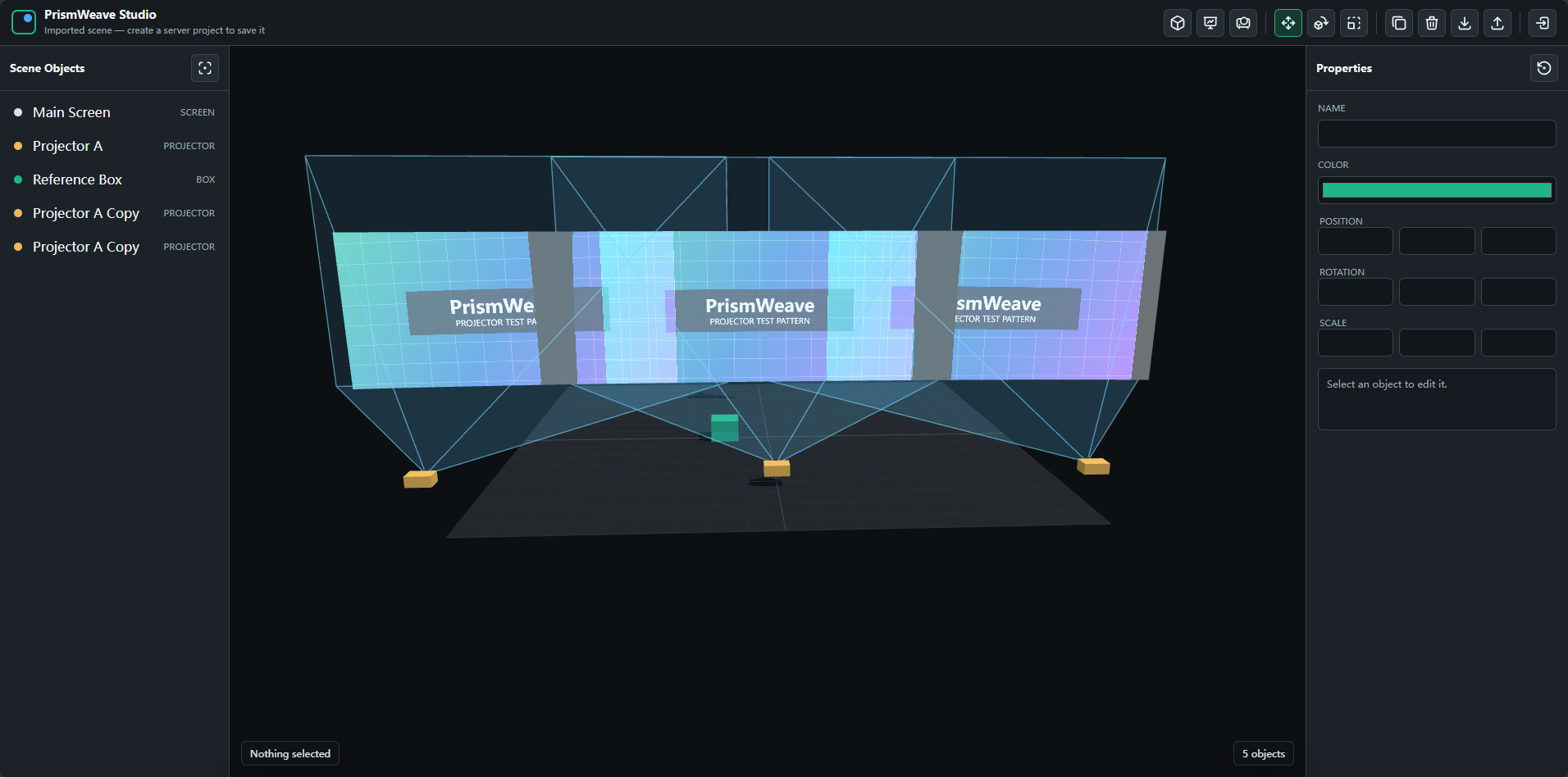
Build the space at real scale with screens, projectors, LED surfaces and reference models. Check throw ratio, placement, coverage and occlusion before committing to an installation.
Preview images, video and test patterns across the shared canvas. Check composition, subject placement and text across screen boundaries, with playback, seeking and looping for content reviews.
Assign a content region to each projector with UV mapping. Use separate canvas and projector warp grids to refine the overall composition and local geometry, with point, row, column, box and brush editing.
Balance blend weights across projectors covering the same surface. Adjust blend widths and curves, inspect coverage and weight previews, and export XPlayer-compatible grayscale masks for on-site calibration.
Read display layouts from connected PrismPlayer nodes and assign scene projectors to output regions. Identify and preview the outputs, then publish canvas, UV, warp and blend settings for playback.
02 / WORKFLOW
Position screens and projectors. Check throw distances, coverage and occlusion.
Load images or video. Review composition, content regions and continuity across screens.
Refine warp grids and overlaps. Fine-tune geometry, brightness and color on site.
Save the project, output layout and playback configuration. Verify the installation with final content.
PRISMWEAVE STUDIO
Plan space, content, mapping and blends in the browser. Publish runtime settings to connected PrismPlayer nodes, or export compatible blend masks for XPlayer.
XPLAYER
The on-site system handles media and live-source composition, warping, blending, gamma and physical display output, with multi-machine synchronization, scripting and control integration configured for the project.
Browser previews support design decisions. Final geometry, blending and color are calibrated on site. Playback requires a Windows player; device protocols and integrations depend on the delivered project configuration.
03 / USE CASES
Plan connected walls, floors and custom surfaces for museums, themed attractions and interactive exhibitions.
Explore curved, spherical and multi-part screens. Review content continuity, projector overlaps and audience viewpoints.
Use reference models to plan facade regions, projector positions and sightlines for architectural mapping and nighttime attractions.
Bring projection, LED and physical structures into one scene for performance design, product launches and art installations.
YOUR NEXT INSTALLATION
Explore editing, asset import and local export immediately. Create an account when you need server storage for projects, assets and revision history.
Open PrismWeave StudioDiscuss deployment & system integration · prismweave@artdream.net